I’ve got this compact USB LED dimmer switch on my workbench, and I wanted to see if it actually handles brightness control without introducing annoying flicker. We’re tearing it down to check the internals and testing its performance with standard 5V LED strips to see if it’s a solid upgrade for your desk setup.
Author: LifeKaki
⚡ Quick Guide: How to Test and Use a USB LED Dimmer
- Connect the dimmer between your USB power source and the LED strip.
- Test the brightness levels to check for visible PWM flicker.
- Carefully pry open the plastic housing to access the internal PCB.
- Inspect the DP3080 controller chip and circuit layout.
- Use digital calipers to measure the PCB dimensions for custom mounting.
- Verify the output voltage with a multimeter to ensure stability.
- Confirm the device performance under full load conditions.
In This Article
📊 Technical Specifications & Components
| Input Voltage | 5V DC |
| Max Current Rating | 2A |
| Dimming Levels | 8 steps |
| Controller Chip | DP3080 |
| Form Factor | Compact inline USB |
Tools & Materials Used
🔧
DT9205A Digital Multimeter
AliExpress 🛒
🔧
DIGITAL CALIPER Measuring micrometer DGQIBU
AliExpress 🛒
🔧
Screwdriver Set For Gadgets
AliExpress 🛒
🛠️
BUY ON ALIEXPRESS 🛒
Recommended
USB Dimmer Switch
Step-by-Step Assembly & Testing
Unboxing and Initial Inspection
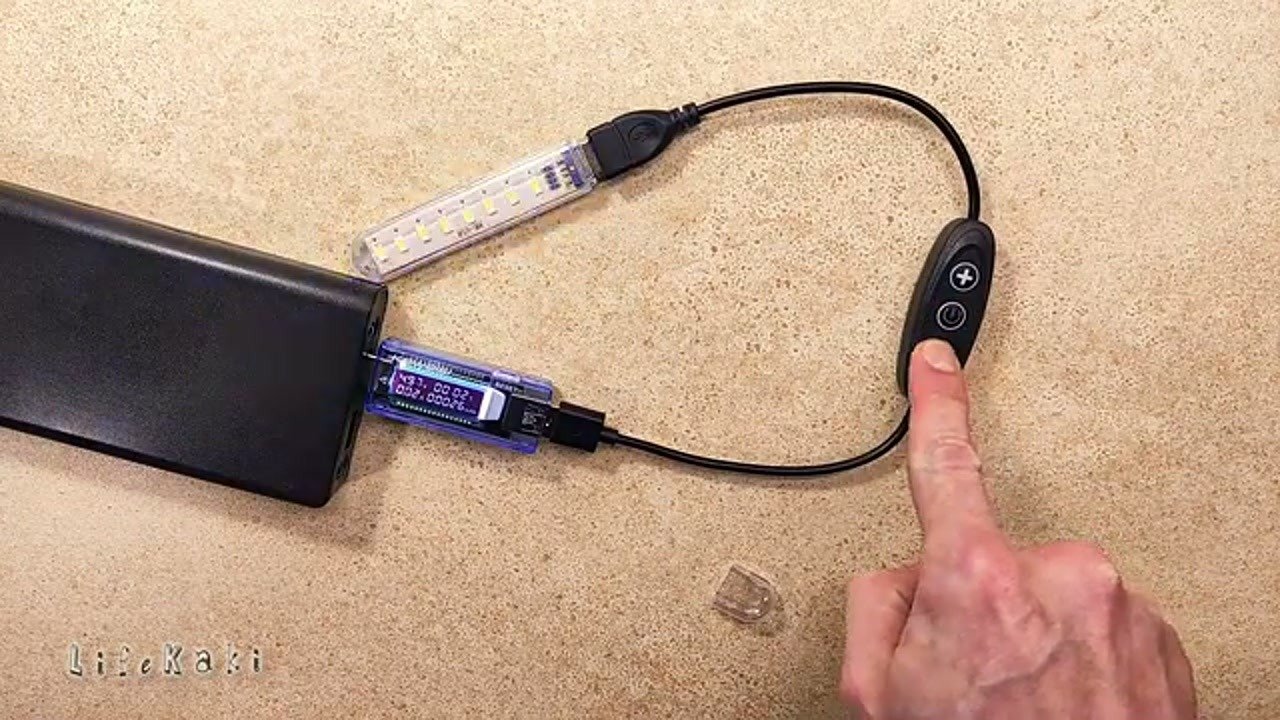
Starting with the physical interface, this dimmer features a simple tactile button for cycling through brightness levels. The housing feels lightweight, typical for these budget USB accessories. I’m checking the button travel and the overall build quality before hooking it up. Pro tip: always inspect the USB connector pins for any signs of oxidation or loose solder joints before plugging it into your gear. It’s a straightforward design meant for quick inline installation.
Testing Dimming Performance
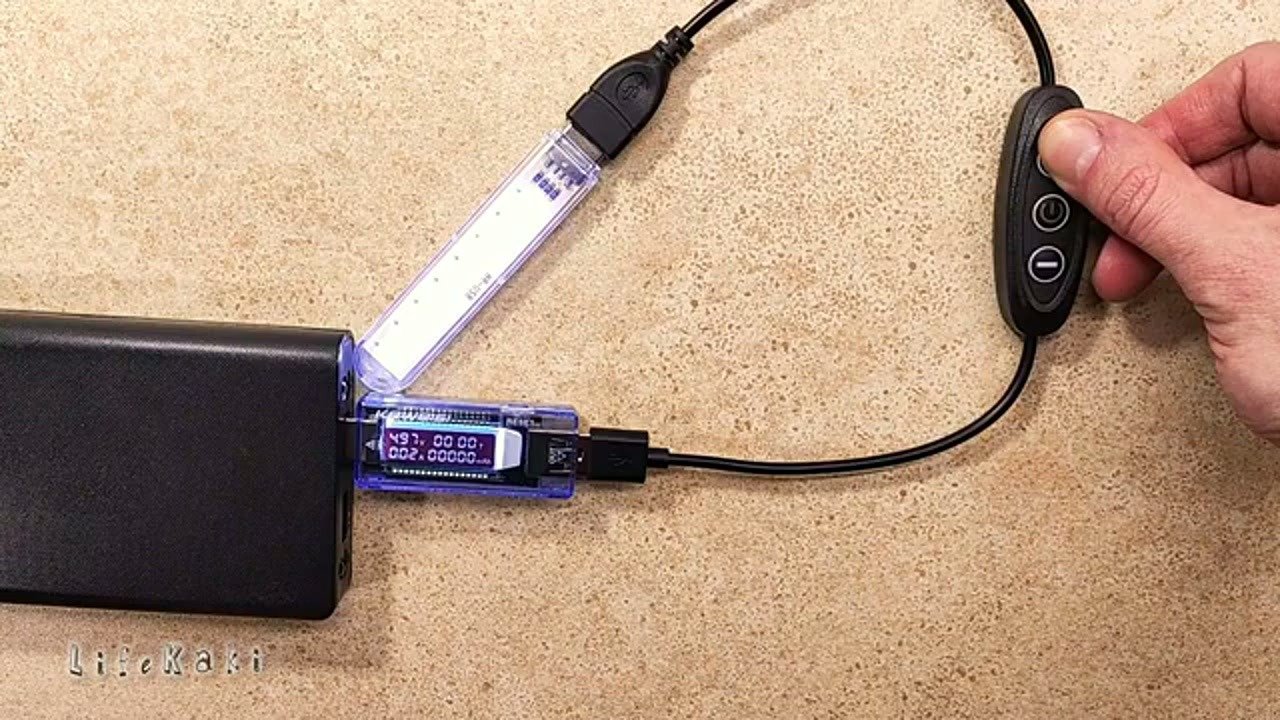
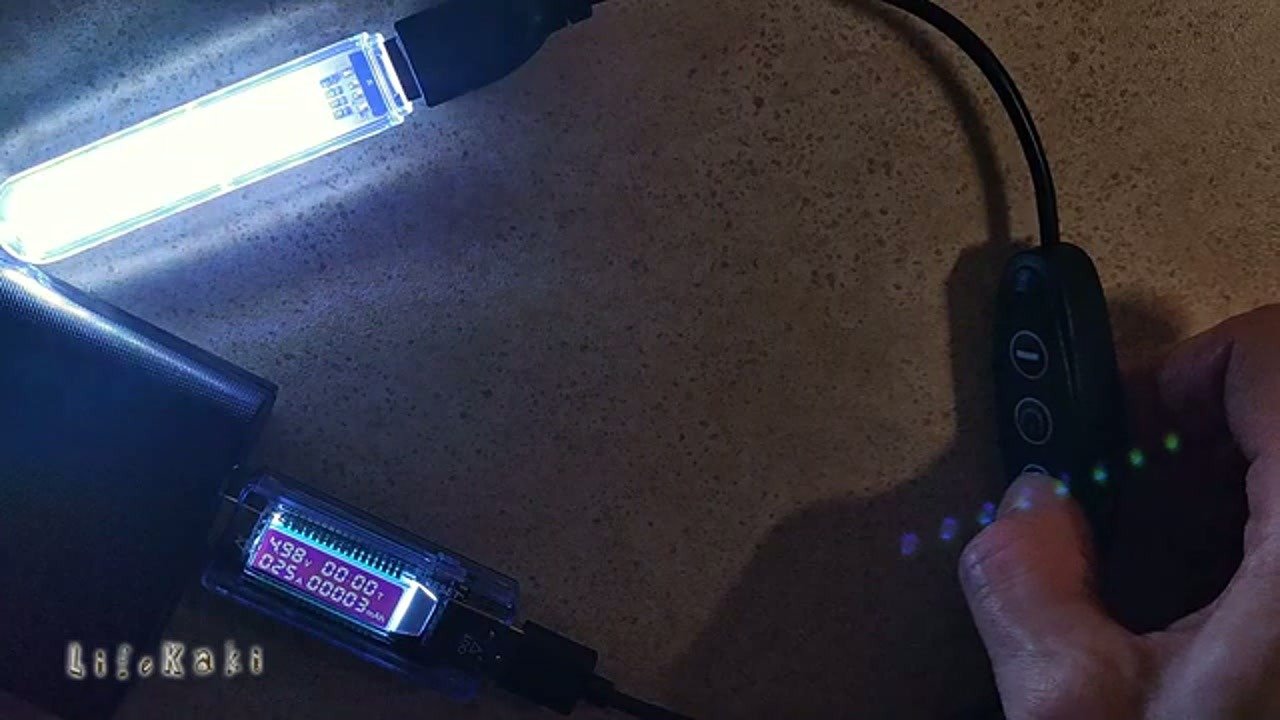
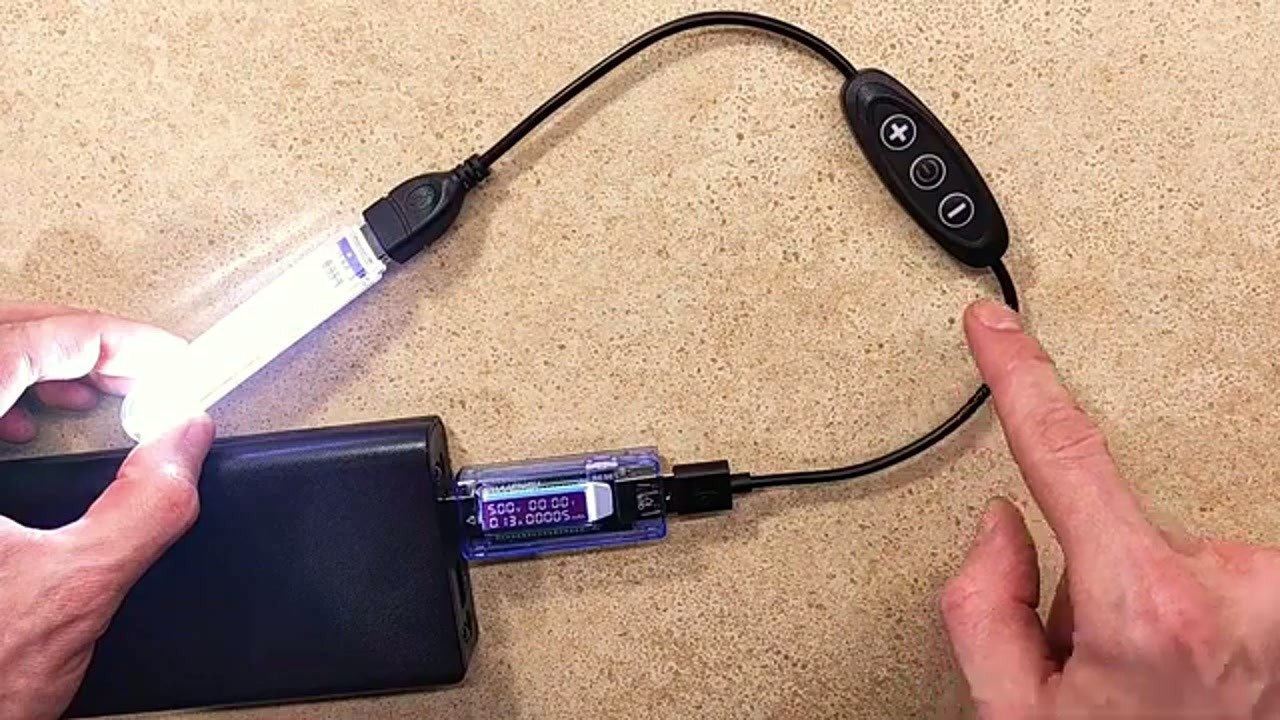
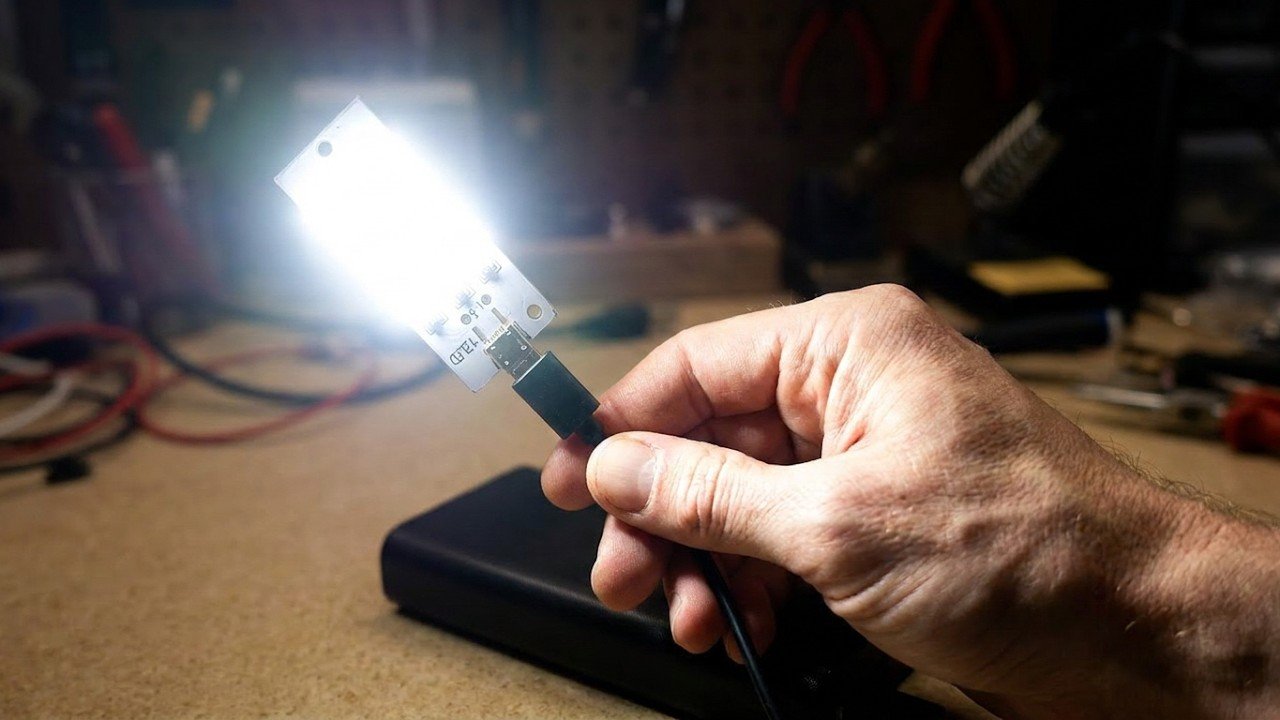
I’ve connected the dimmer to a power bank to drive a standard 5V LED strip. Cycling through the eight brightness levels, I’m watching for any PWM flicker that might cause eye strain. The transitions are smooth enough for basic desk lighting. If you notice any buzzing or flickering at lower settings, that’s a sign of a low-frequency PWM signal. So far, this unit seems stable.
Opening the Control Unit
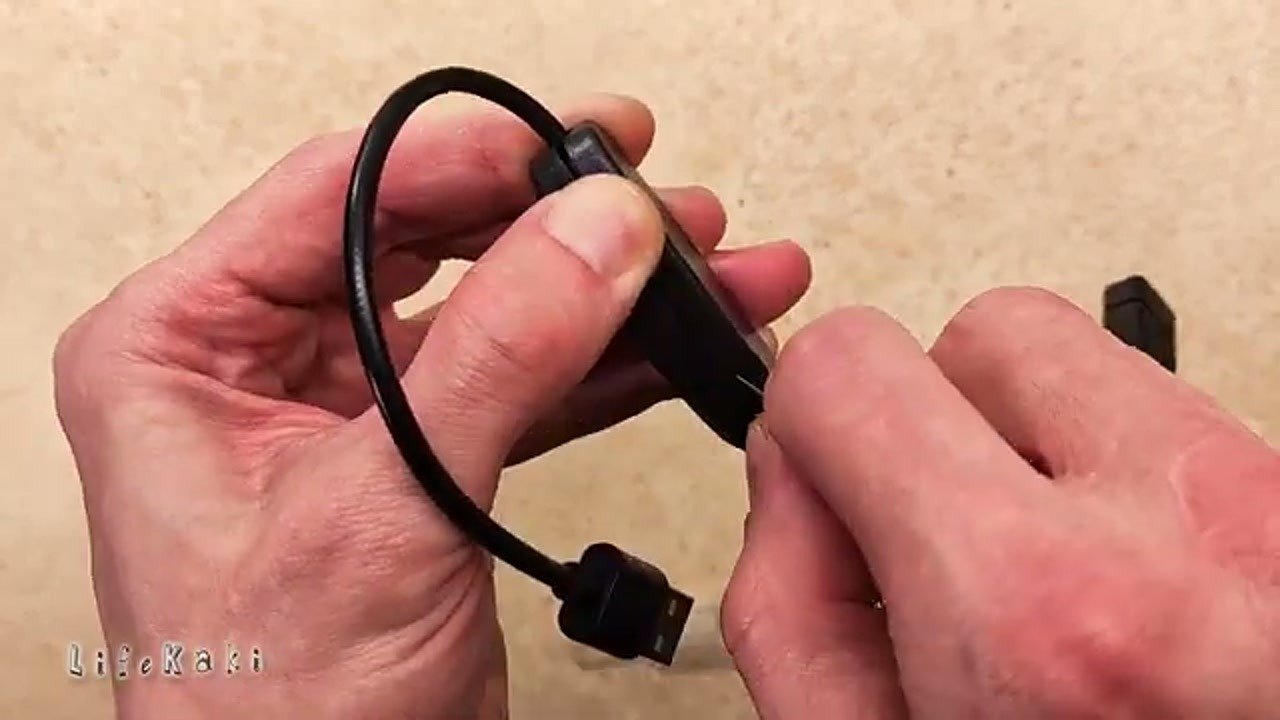
Time to pop the casing open. I’m using a thin pry tool to gently release the plastic clips holding the shell together. Don’t force it too hard, or you’ll snap the tabs. Once the cover is off, the PCB slides right out. It’s a simple, clean layout with minimal components, which is what I expected for a 5V controller.
PCB and Controller Inspection
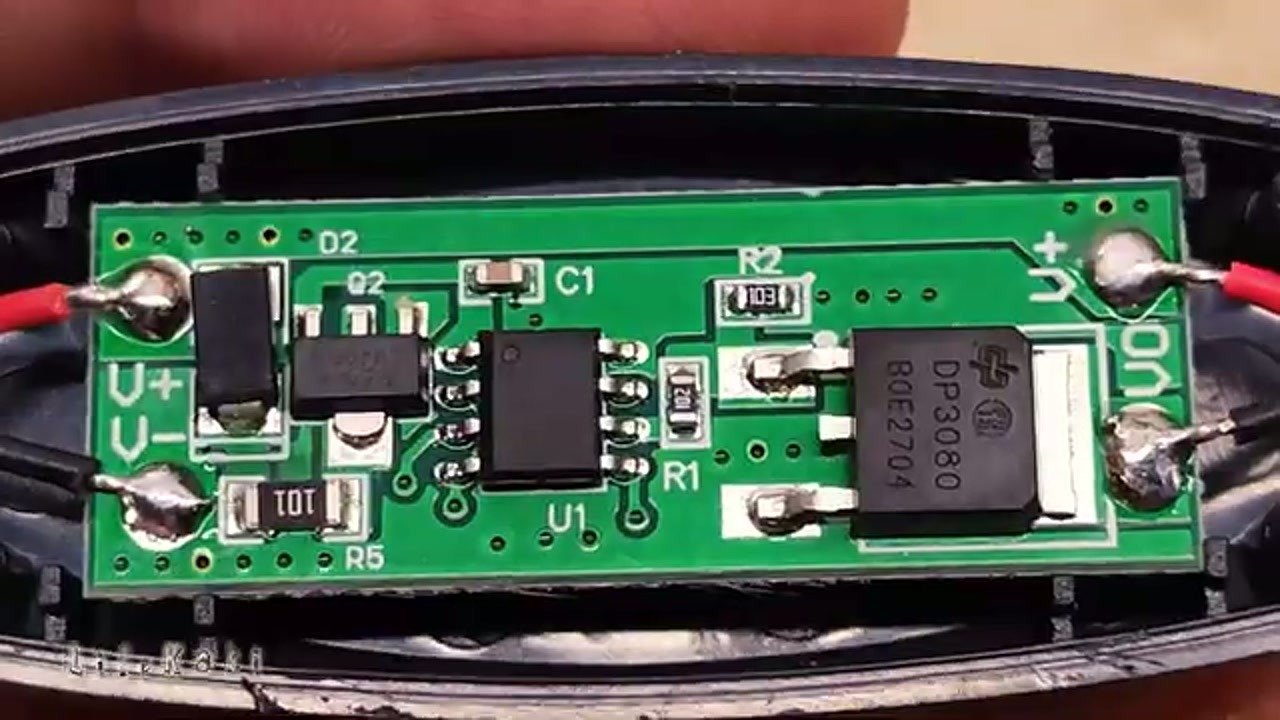
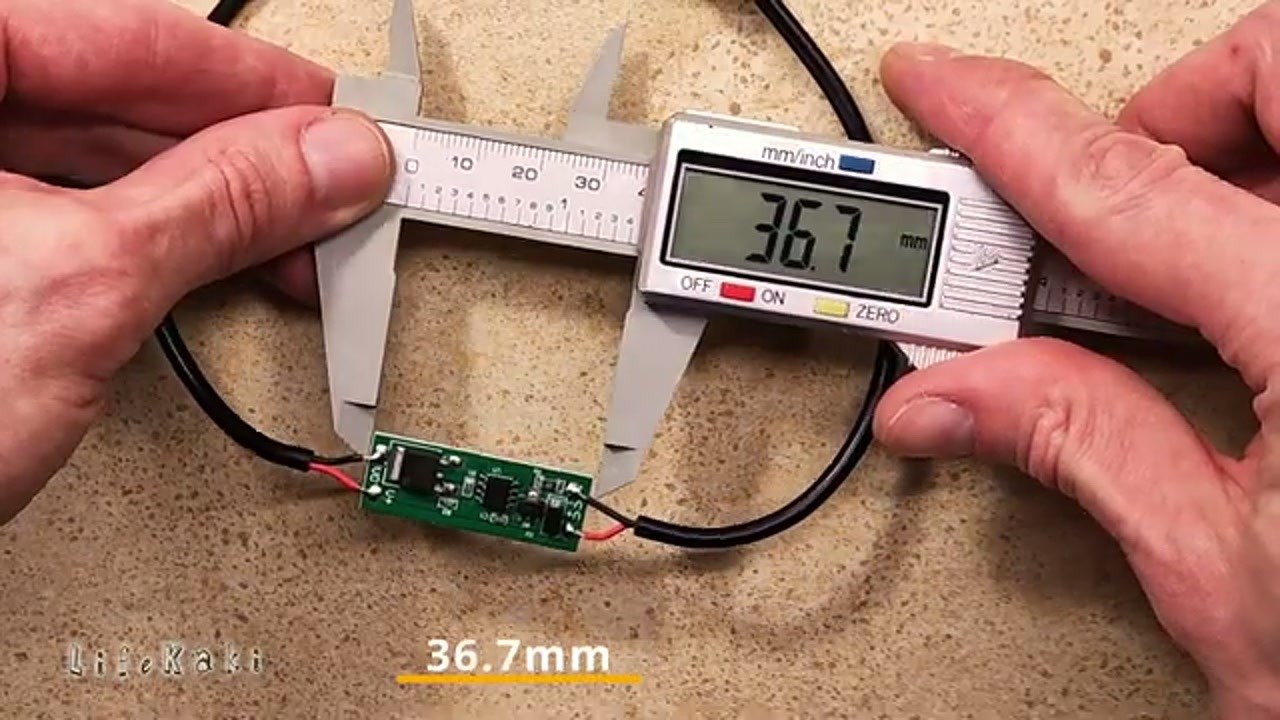
Under the hood, we’ve got the DP3080 controller chip handling the dimming logic. The soldering looks decent for a mass-produced board. I’m checking for any cold joints or bridge shorts near the USB pads. Everything looks clean and properly aligned. This chip is a common choice for these small-scale LED projects, providing reliable PWM output.
Measuring the Circuit Board
I’m grabbing the digital calipers to get the exact dimensions of the PCB. Knowing the board size is helpful if you’re planning to integrate this into a custom 3D-printed enclosure or a tighter space. It’s a compact unit, barely wider than the USB connector itself. Precision matters here if you’re building a custom mount.
Voltage Output Verification
Hooking up the multimeter to the output pads to check the voltage drop. It’s reading 4.98V, which is spot on for a 5V USB source. Minimal voltage drop means the internal components aren’t choking the power supply. A stable reading like this confirms the dimmer won’t significantly degrade the performance of your LEDs.
Final Load Testing
With everything reassembled, I’m running the light at full brightness to check for heat buildup. After a few minutes, the unit remains cool to the touch. The dimming levels are consistent, and the connection remains solid. It’s a functional, no-nonsense upgrade for any 5V USB lighting setup.
⚠️ CAUTION: SAFETY WARNING!
Always disconnect the power source before opening the plastic housing to avoid short-circuiting the USB pins or damaging your power supply.
Summary & Tips
The USB LED dimmer with the DP3080 controller is a reliable, compact solution for managing 5V lighting. It provides stable voltage and smooth brightness adjustment without noticeable flicker. If you need a simple way to control your desk LEDs, this dimmer is definitely worth the small investment.
📋 FAQ
❓ Can I use this dimmer with 12V LED strips?
Nope, don’t try it. This is strictly for 5V USB setups. Plugging it into 12V will fry the DP3080 chip instantly.
❓ Does it remember the brightness setting after unplugging?
Honestly, no. It resets to the default state every time you cut the power. You’ll have to adjust it again when you plug it back in.
❓ Is there any visible flicker at low brightness?
Actually, it’s pretty good. I didn’t notice any harsh flickering at low settings, but keep in mind it’s still PWM-based, so it might show up on a slow-motion camera.
Disclaimer: I purchased all tools for this guide with my own money to ensure an unbiased review. This post contains affiliate links, meaning I earn a small commission if you make a purchase at no extra cost to you.
🛒 Useful Links & Products
USB Dimmer Switch
🛒 BUY ON ALIEXPRESSDT9205A Digital Multimeter
🛒 BUY ON ALIEXPRESSDIGITAL CALIPER Measuring micrometer DGQIBU
🛒 BUY ON ALIEXPRESSScrewdriver Set For Gadgets
🛒 BUY ON ALIEXPRESS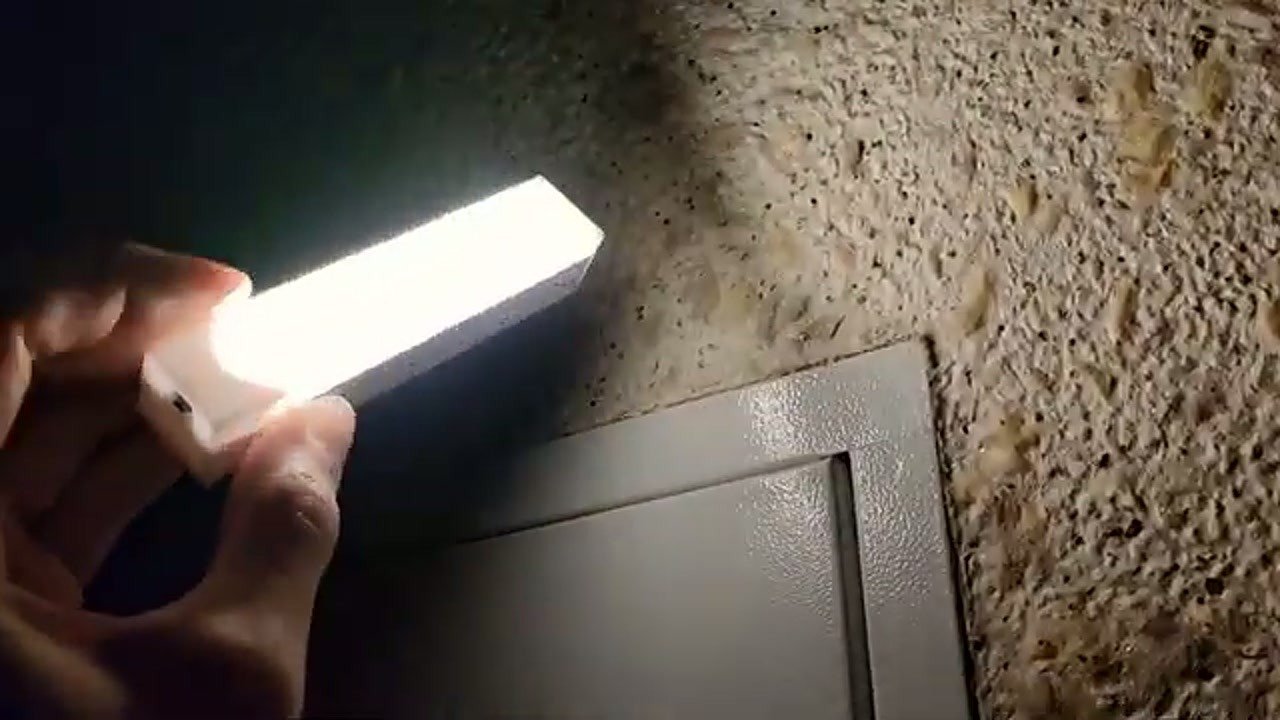




Leave a Reply