This guide provides a practical teardown and performance analysis of a budget-friendly rechargeable LED desk lamp. We examine the internal components, test the touch-dimming functionality, and explore how to replace the standard 18650 battery to extend runtime for emergency power outages. This breakdown helps you determine if this model is worth buying or upgrading for your home workshop.
Author: LifeKaki
⚡ Quick Guide: How to Inspect and Upgrade Your LED Lamp
- Unbox the lamp and verify the included charging cable and manual.
- Test the folding mechanism and touch-sensitive brightness controls.
- Remove the base screws to access the internal charging circuit.
- Inspect the 18650 lithium-ion battery for capacity and voltage.
- Swap the stock battery for a higher capacity cell to increase runtime.
- Reassemble the housing and perform a final light output test.
📋 In This Article
- Tools & Materials — what you will need for this project
- Technical Specifications — device parameters
- Unboxing and Initial Inspection — checking the package contents
- Folding Mechanism and Build Quality — evaluating structural integrity
- Touch Control Performance — testing brightness levels
- Warm Light Mode Analysis — checking light temperature
- Internal Housing Inspection — opening the base for access
- Battery and PCB Analysis — evaluating the power system
- Reassembly Process — securing the device housing
- Final Performance Test — verifying functionality in low light
- Frequently Asked Questions (FAQ) — answers to popular questions
📊 Technical Specifications & Components
| Battery Type | 18650 Lithium-ion |
| Control Type | Touch-sensitive dimming |
| Charging | USB interface |
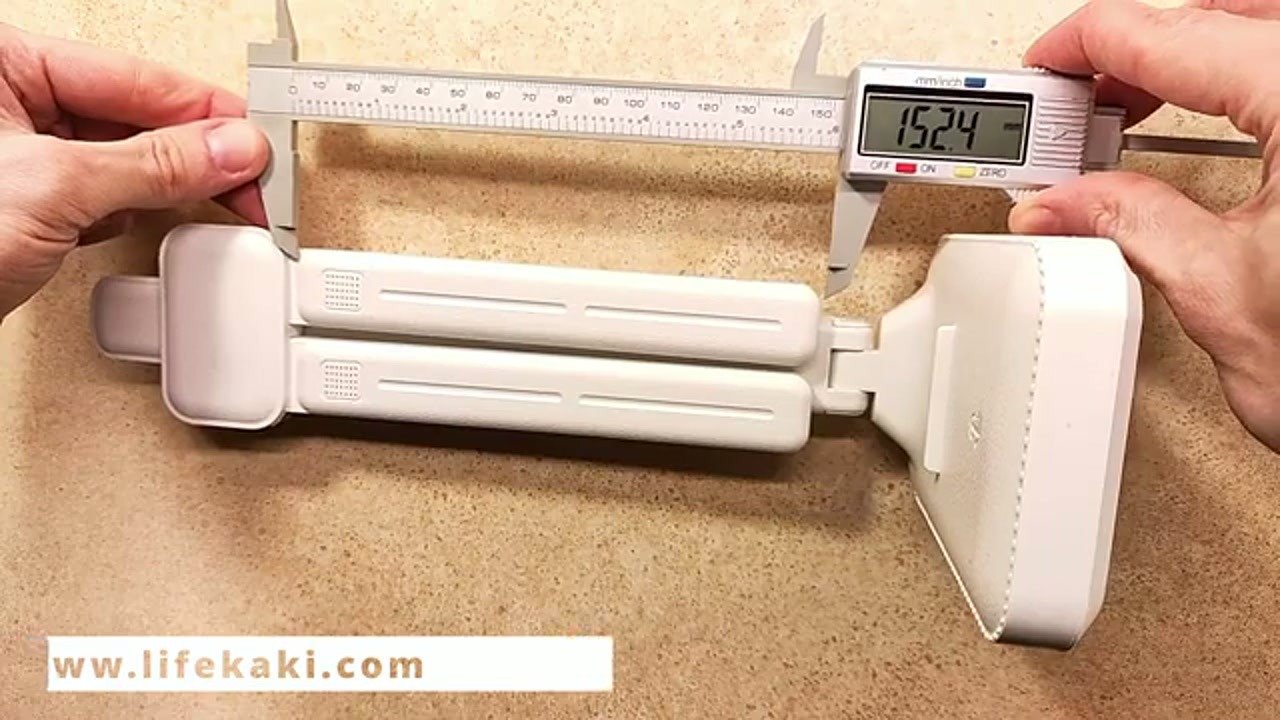
| Dimensions | 152.4 mm (folded) |
| Light Modes | Multiple brightness levels |
Tools & Materials Used
🔧
Screwdriver Set For Gadgets
AliExpress 🛒
🔧
Rechargeable Li-ion battery 18650
AliExpress 🛒
🔧
DIGITAL CALIPER Measuring micrometer DGQIBU
AliExpress 🛒
🛠️
BUY ON ALIEXPRESS 🛒
Recommended
Rechargeable LED Desk Lamp
Step-by-Step Assembly & Testing
Unboxing and Initial Inspection
The process begins by carefully opening the cardboard packaging to reveal the lamp. I check for any physical damage during shipping and ensure all components are present. The kit includes the lamp itself and a standard USB charging cable. I inspect the surface finish for any molding defects or scratches. Everything appears clean and ready for immediate testing.

Folding Mechanism and Build Quality
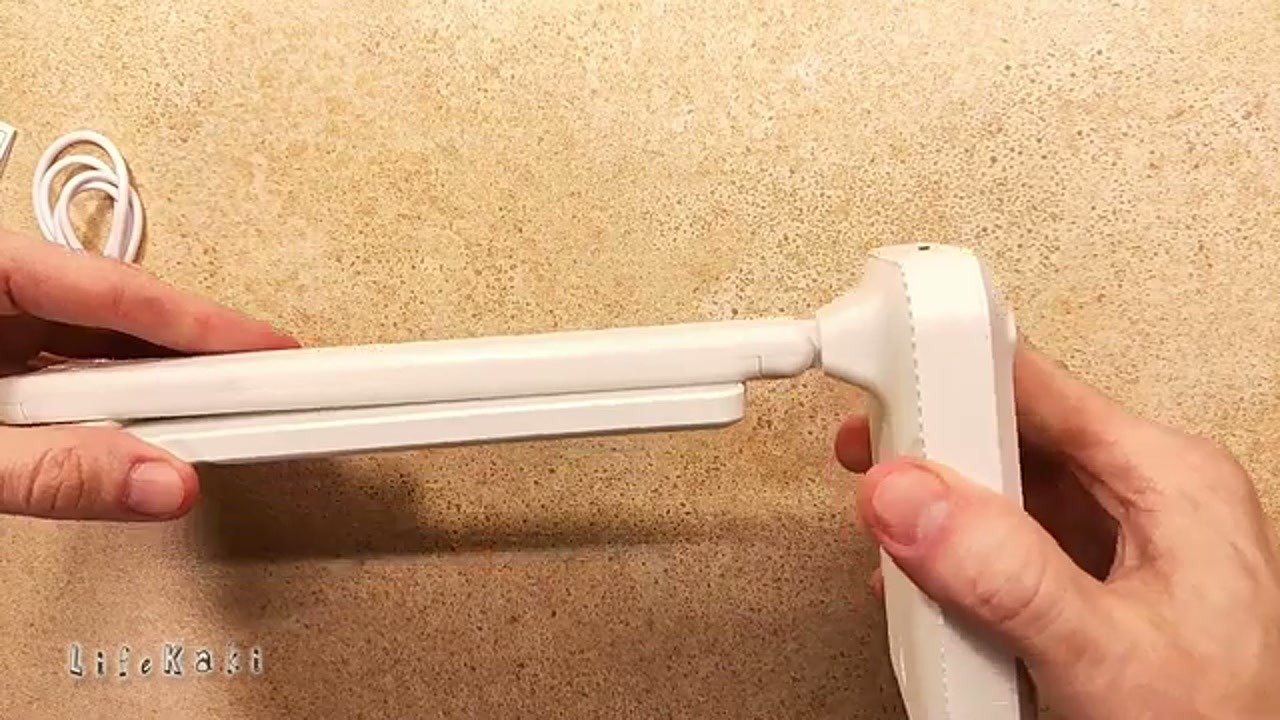
I test the folding mechanism to ensure smooth operation without excessive resistance. The hinges hold the lamp head firmly in place at various angles. The plastic housing feels lightweight but structurally sound for a desk-based device. I verify that the folding action does not pinch any internal wiring. This mechanism is essential for compact storage when the lamp is not in use.
Touch Control Performance
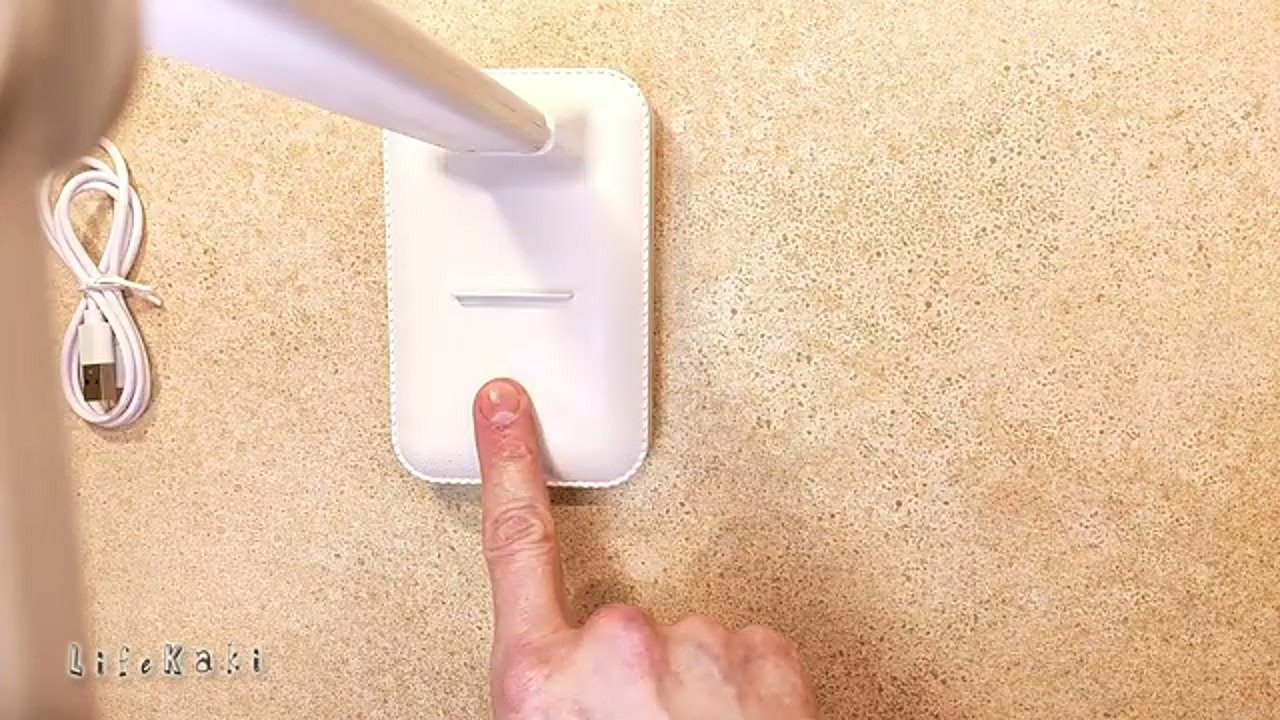
The base features a touch-sensitive area for adjusting brightness levels. I press the sensor repeatedly to cycle through the available intensity settings. The response is instantaneous, indicating a well-calibrated touch controller. Each level provides a noticeable change in light output. This interface is intuitive and avoids the mechanical wear associated with traditional push-button switches.
Warm Light Mode Analysis
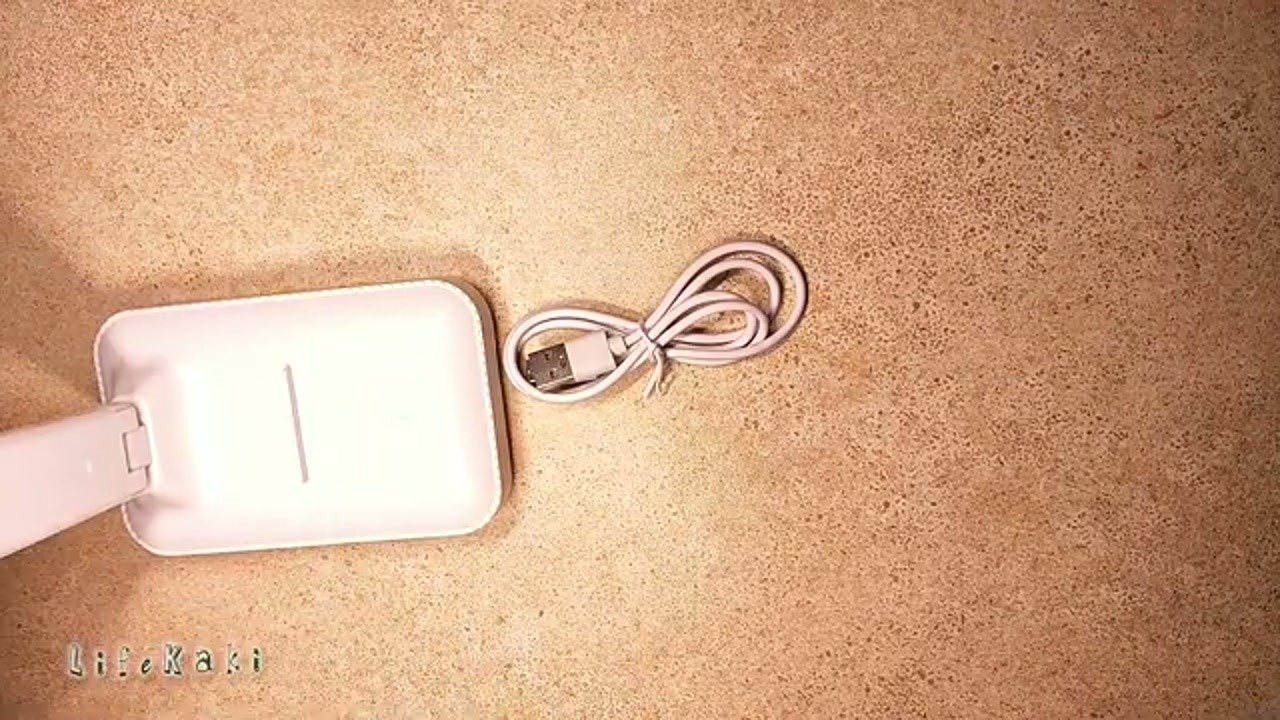
I switch to the warm light mode to evaluate the color temperature and diffusion. The light output is soft and lacks harsh flickering, which is good for eye comfort. The USB cable is connected to verify the charging indicator status during operation. The power consumption remains stable throughout the test. This mode is ideal for ambient lighting during evening hours.
Internal Housing Inspection
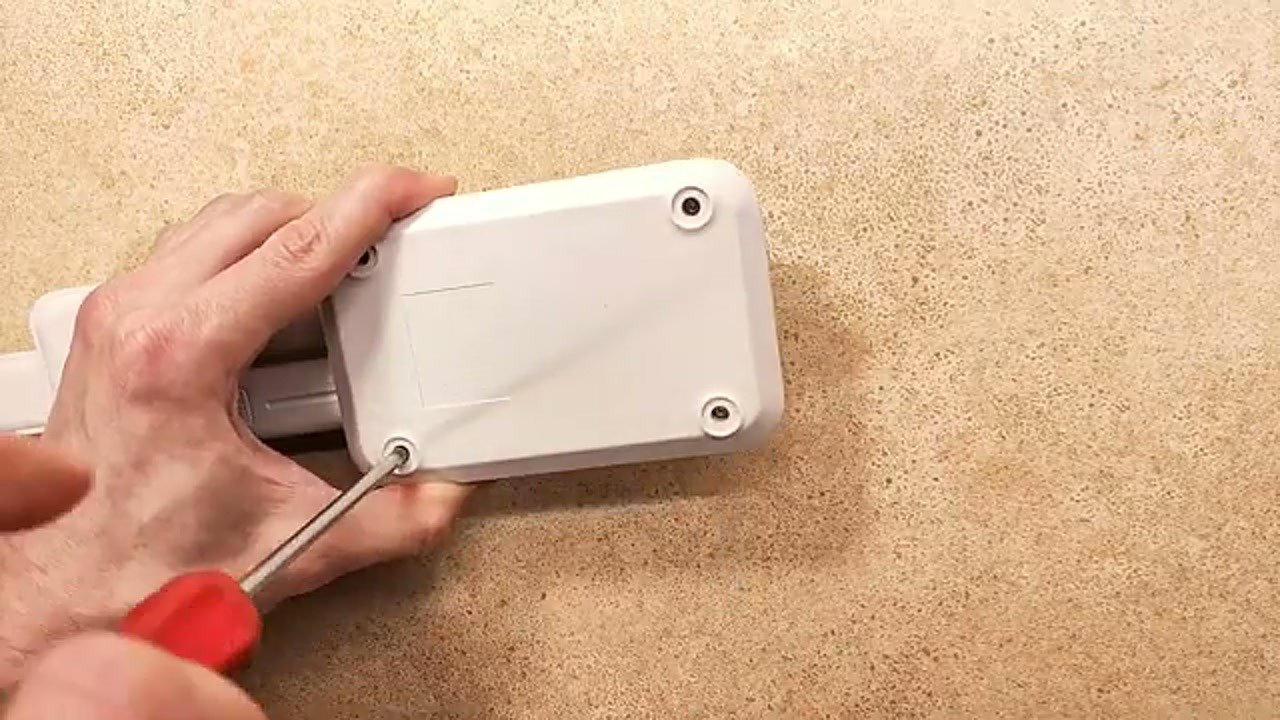
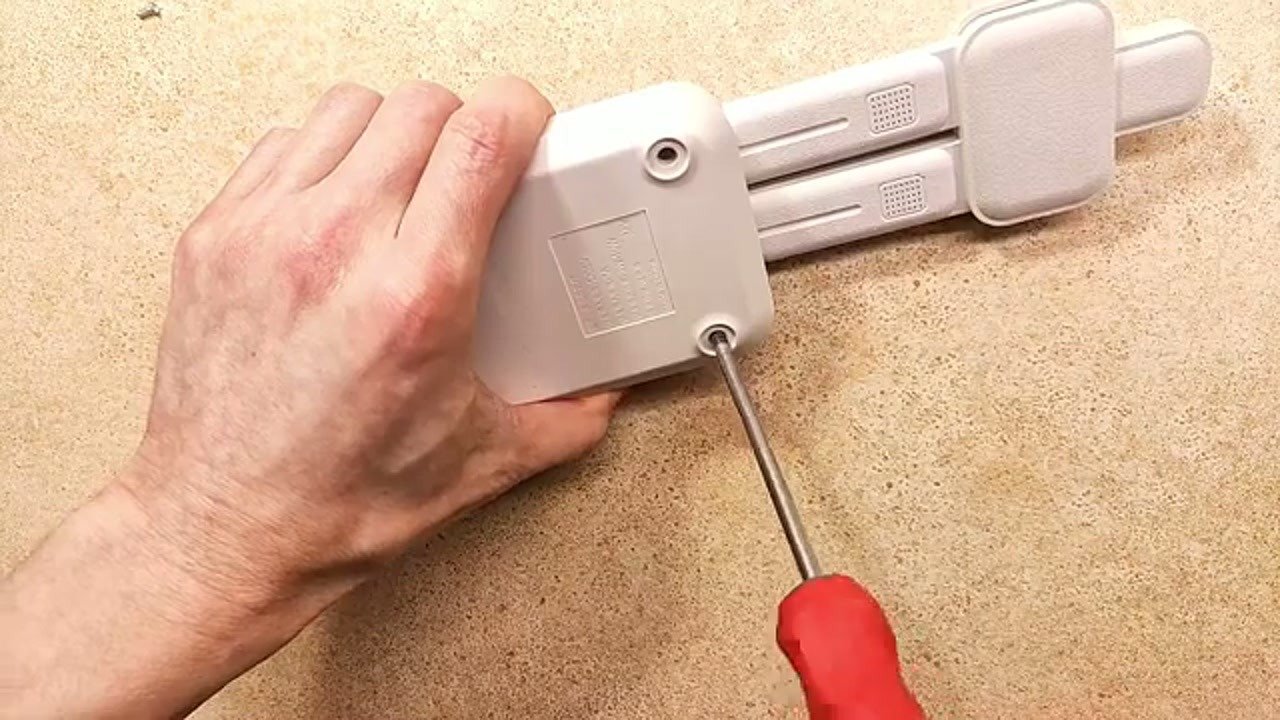
I use a precision screwdriver to remove the screws from the bottom of the lamp base. The cover lifts off easily, exposing the internal battery compartment and the main control board. I inspect the wiring for proper soldering and strain relief. The layout is straightforward, making it accessible for future repairs or modifications. No loose components or signs of overheating are visible.
Battery and PCB Analysis
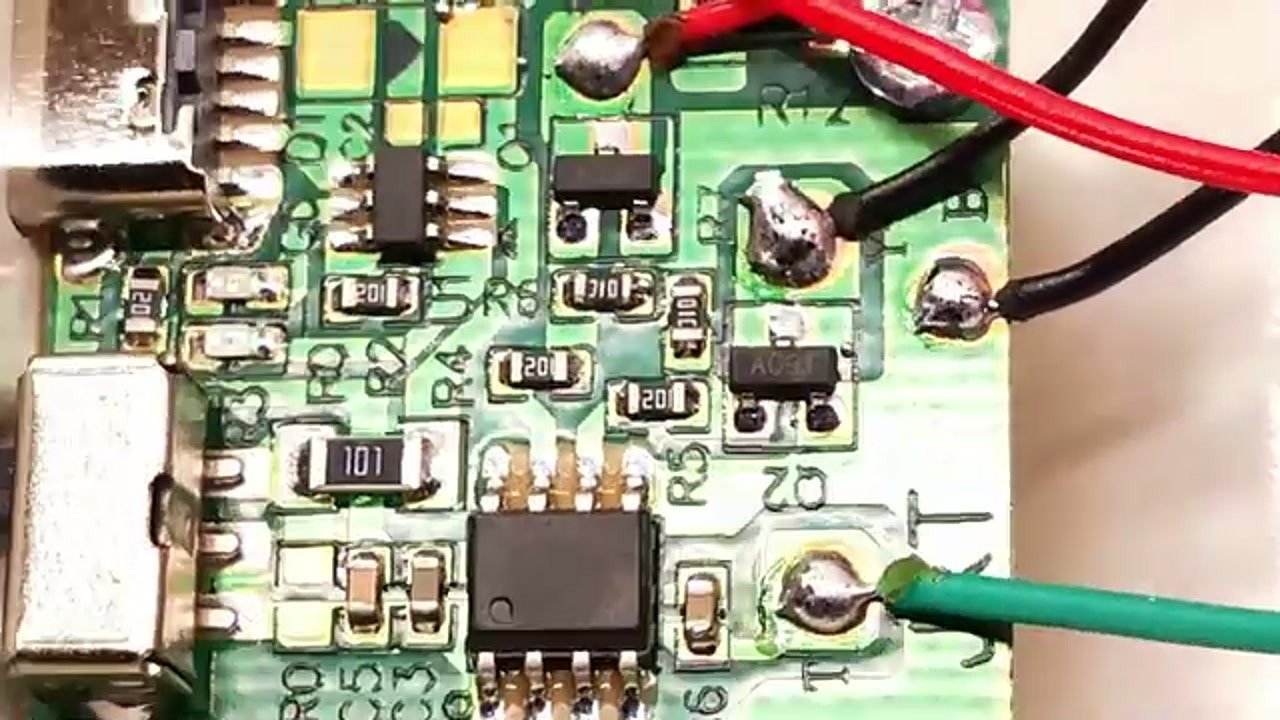
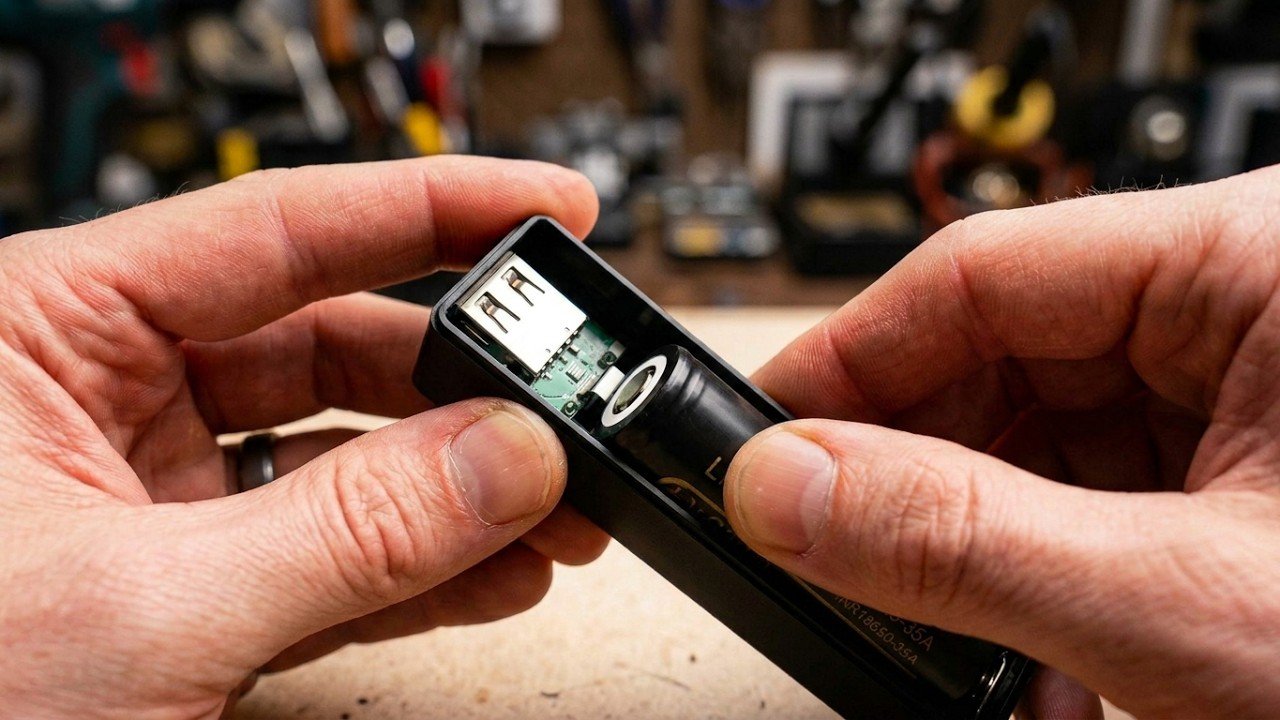
The green circuit board manages the charging and touch-dimming functions. I examine the 18650 battery holder, which allows for a quick swap of the power cell. The current battery is a standard capacity unit, but the holder design supports higher capacity replacements. This modularity is a significant advantage for users who need longer runtime. The PCB traces are clean and show no signs of flux residue.
Reassembly Process
After the inspection, I place the battery back into its cradle and align the base cover. I tighten the screws carefully to avoid stripping the plastic threads. The fitment is precise, leaving no gaps between the housing components. I ensure all wires are tucked away from the screw posts to prevent damage. The lamp is now ready for final testing.
Final Performance Test
I measure the total length of the folded device using digital calipers, confirming it matches the 152.4 mm specification. I perform a final test in a dark room to verify the light output and stability. The lamp maintains consistent brightness across all modes. This unit is a reliable backup light source for power outages. The overall build quality is satisfactory for the price point.
⚠️ CAUTION: SAFETY WARNING!
Always disconnect the lamp from the USB power source before opening the housing. Be careful when handling lithium-ion 18650 batteries; avoid short-circuiting the contacts or puncturing the battery casing.
Summary & Tips
This rechargeable LED desk lamp offers a practical and repairable design, making it a solid choice for those who value longevity. The use of a standard 18650 battery allows for easy upgrades, significantly increasing runtime for emergency use. With its simple charging PCB and intuitive touch controls, it provides a reliable solution for home lighting needs. If you are looking for a functional, upgradeable light, this model is definitely worth considering.
📋 FAQ
❓ Can I replace the 18650 battery with a higher capacity one?
Answer: Yes, the design uses a standard 18650 battery holder, allowing you to swap the stock battery for a higher capacity cell (up to 3500mAh) to extend the lamp’s runtime.
❓ Is this LED lamp suitable for power outages?
Answer: Yes, because it is cordless and uses a rechargeable battery, it serves as an excellent emergency backup light source during power outages.
❓ How do I adjust the brightness on this lamp?
Answer: The lamp features a touch-sensitive area on the base; simply tap the sensor to cycle through the different brightness levels.
Disclaimer: I purchased all tools for this guide with my own money to ensure an unbiased review. This post contains affiliate links, meaning I earn a small commission if you make a purchase at no extra cost to you.
🛒 Useful Links & Products
Rechargeable LED Desk Lamp
🛒 BUY ON ALIEXPRESSScrewdriver Set For Gadgets
🛒 BUY ON ALIEXPRESSRechargeable Li-ion battery 18650
🛒 BUY ON ALIEXPRESSDIGITAL CALIPER Measuring micrometer DGQIBU
🛒 BUY ON ALIEXPRESS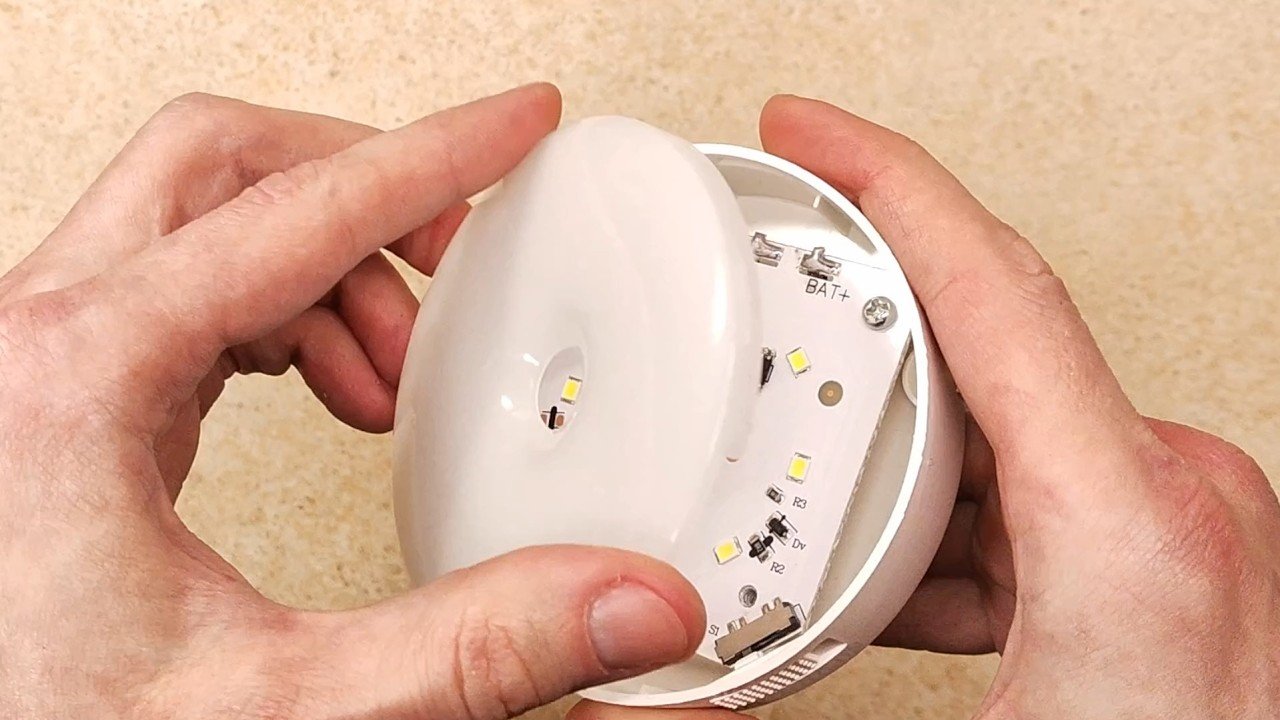




Leave a Reply